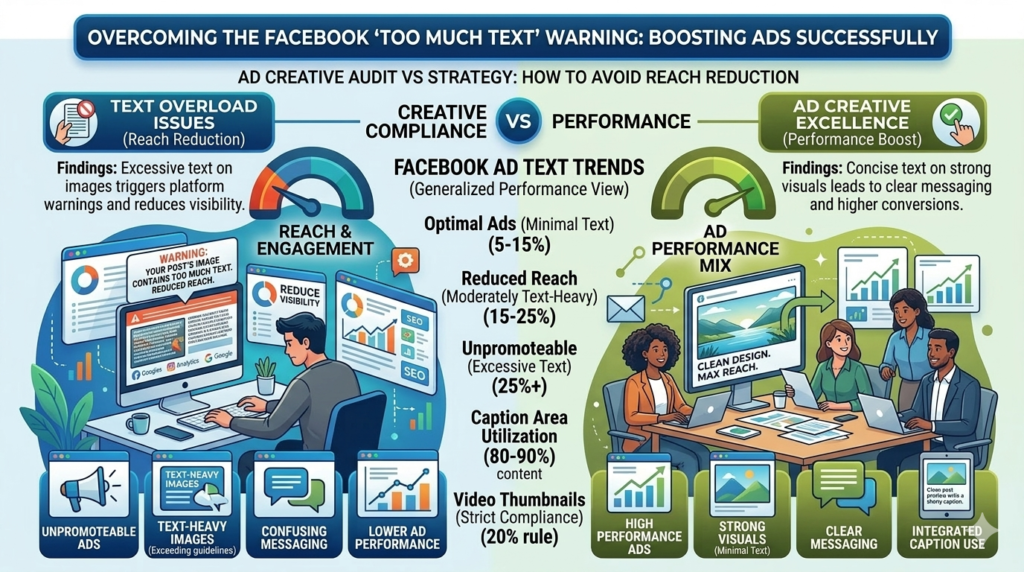
Have you ever tried boosting a post on Facebook and suddenly received the message:
“Your post’s image contains too much text”?
This issue surprises many advertisers who are trying to promote their content or run paid campaigns.
Why This Message Appears
Meta Platforms (Facebook) has guidelines about how much text should appear inside an image used in ads or boosted posts.
While regular posts on your timeline can contain more text, boosted posts or advertisements are more restricted. If your image includes excessive text, the platform may reduce its reach or prevent the promotion entirely.
In the past, Facebook enforced a strict 20% text rule, meaning that text could not cover more than 20% of an image. Although this rule has become more flexible over time, images overloaded with text can still negatively impact ad performance.
How to Avoid the Problem
To ensure your boosted posts perform well:
- Keep the text on your image short and minimal
- Focus on clear visuals instead of heavy text blocks
- Use the caption area for detailed messaging
- Make sure your headline is concise and attention-grabbing
The best-performing ads usually rely on strong visuals with just a few impactful words.
By keeping your ad creatives simple and focused, you’ll avoid Facebook’s “too much text” warning and improve your chances of reaching a wider audience.